What Automated Savings Actually Means
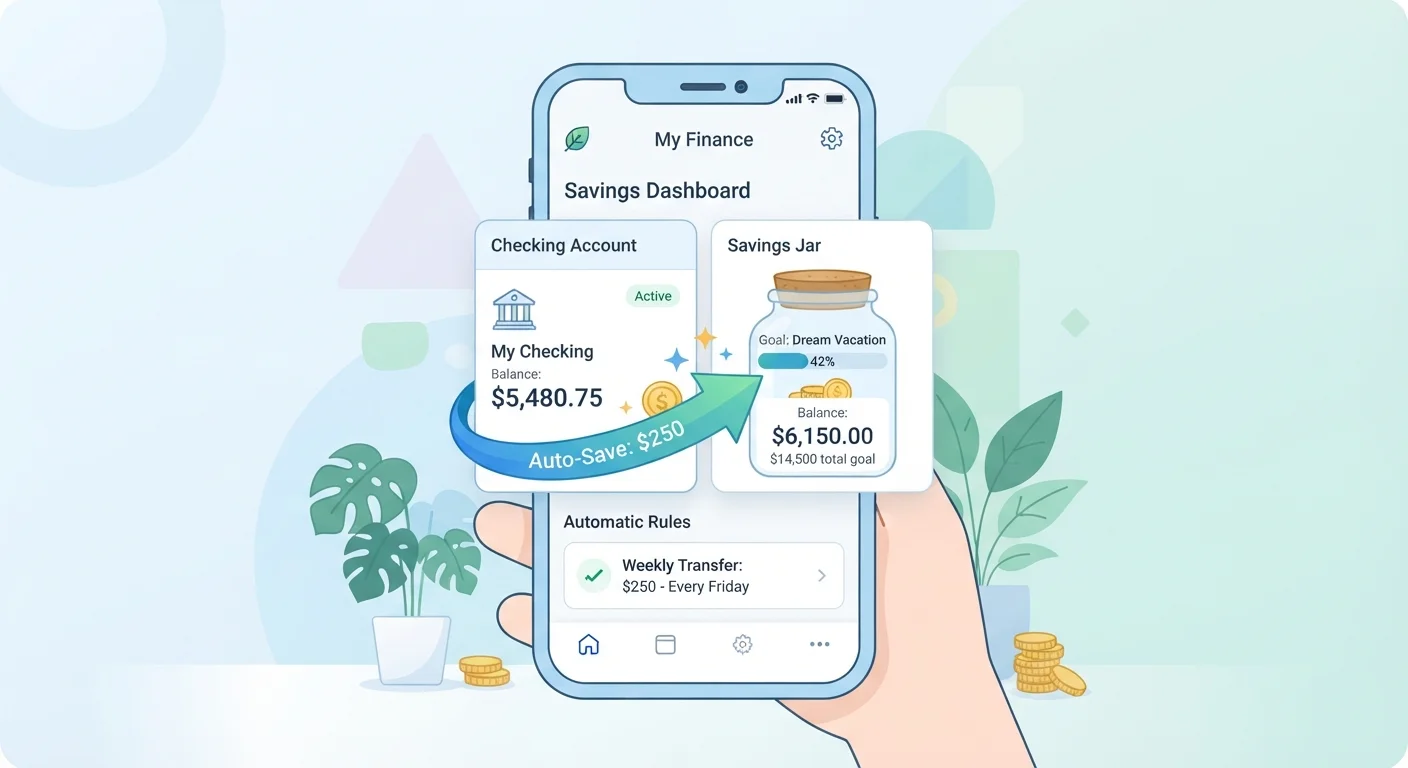
Automated savings is simply the practice of scheduling a recurring, rule-based transfer from one account - typically your checking account - to a savings account, on a fixed timetable. Instead of manually moving money at the end of the month (after spending has already happened), the transfer occurs automatically, usually on or just after each payday.
The core principle behind it is sometimes called paying yourself first: treating savings as a non-negotiable expense rather than an afterthought. When money moves before you see it sitting in your checking account, you naturally adjust your spending to whatever remains - a behavioral pattern supported by consumer financial research.
This isn't a product you sign up for or a subscription you purchase. It's a feature built into virtually every US bank and credit union's online platform, available at no cost. If you're unfamiliar with savings terminology like liquidity or compound interest that may come up as you explore account options, the plain-English savings glossary defines these terms in straightforward language.
Start Smaller Than You Think You Should
Many beginners stall trying to find the "right" amount to automate. A more effective approach: start with a number that feels almost too easy, such as $10 or $25 per pay period. You can increase it once the habit feels natural. Consistency with a small amount outperforms an ambitious amount you cancel after one month.
Getting Ready: What You Need Before You Start
Setting up an automatic transfer takes less than ten minutes once you have the right pieces in place. Before you log in to your bank, confirm the following:
What you will need
You'll also benefit from a simple tool or two to make the process smoother:
Online or Mobile Banking Portal
Used to locate the automatic transfer or recurring payment feature within your existing account.
Separate Savings Account
The destination account where automated funds accumulate, kept distinct from everyday spending money.
Personal Budget or Spending Tracker
Helps you identify a realistic transfer amount by showing what's left after essential expenses.
If you've been held back by the belief that your income is too low or that small amounts aren't worth automating, those doubts are worth examining - the common saving myths article addresses several of the most persistent misconceptions that stop beginners before they start.
Step-by-Step: How to Set Up Automatic Transfers
Follow these steps in order. Each one builds on the previous, and most people can complete the full setup in a single session.
Identify how much you can realistically transfer
Before setting anything up, review your last two or three pay periods. Add up fixed expenses (rent, utilities, loan payments) and estimate variable spending (groceries, transportation). What remains after essentials is your starting point. You don't need to automate all of it - even 5-10% of what's left is a meaningful beginning. If you're unsure how to calculate this, the budgeting basics hub offers straightforward frameworks for tracking income and expenses.
Open or confirm your destination savings account
Automated savings works best when the destination account is separate from your everyday checking. Keeping funds in a distinct account - even at the same bank - creates a practical barrier that reduces the temptation to dip in. If you already have a savings account, verify you can receive transfers into it. If not, most banks and credit unions allow you to open a basic savings account online with minimal requirements.
Log in to your bank's online or mobile platform
Navigate to the transfers section of your bank's website or app. Look for labels such as Automatic Transfers, Recurring Transfers, or Scheduled Payments. If you can't locate it, use the platform's help search or call your bank's customer service line - this is a standard feature at virtually all US banks and credit unions, and a representative can walk you through it at no charge.
Set the transfer amount, frequency, and start date
Enter the amount you decided in Step 1. Choose a frequency - most people align transfers with their pay schedule (e.g., every two weeks on payday). Set the start date to your next payday or a date shortly after, so funds are available. Double-check that the source account (checking) and destination account (savings) are correctly selected before confirming.
Confirm the transfer and note the first execution date
After submitting, your bank should display a confirmation screen or send an email. Save or screenshot this confirmation and note when the first transfer will execute. Check your checking account balance on that date to make sure everything processed correctly. Many banks also allow you to set balance alerts, which can act as an early warning if funds run lower than expected.
Review and adjust every few months
Automation is not permanent - it's a living setting. Every three to six months, revisit your transfer amount. If your income has increased, consider raising it incrementally. If you've hit a savings milestone or your expenses have changed, adjust accordingly. For ongoing strategies to stay consistent, see keeping your savings goals on track.
Always Keep a Buffer in Your Checking Account
Automatic transfers move money on a fixed schedule regardless of your current balance. If your checking account runs low before a transfer fires, you may incur an overdraft fee. Before activating automation, confirm you have a reliable cushion - even $50-$100 - to absorb timing mismatches. Contact your bank to understand its overdraft policies.
What to Do When Life Disrupts the Plan
Irregular income, unexpected bills, and shifting expenses are normal - they don't mean automation has failed. If a month is unusually tight, most banks allow you to temporarily pause or reduce a scheduled transfer without canceling it entirely. Treat a pause as a tool, not a defeat.
For practical strategies on maintaining savings momentum through unpredictable stretches - like freelance income gaps or surprise medical costs - saving consistently when life gets in the way offers approaches designed for real-world variability rather than ideal conditions.
The goal of automation isn't perfection. It's reducing the number of decisions standing between your income and your savings goal. Even an imperfect automated system - one you occasionally adjust - will generally outperform a manual approach that depends on having surplus motivation at the end of each month.
This article provides general financial information and education only. It is not personalized financial advice. Consult a qualified financial professional for guidance specific to your situation.