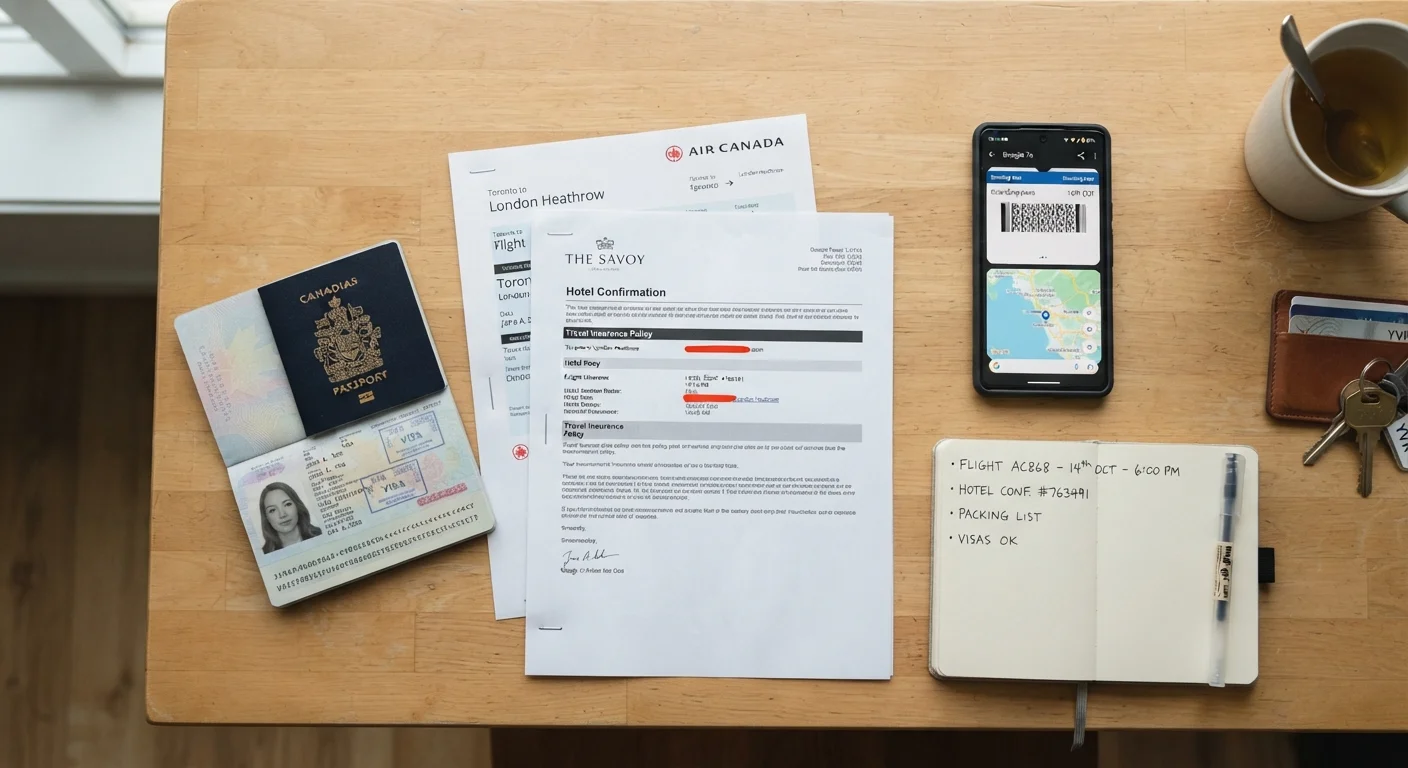
Why Document Backup Matters Before You Board
Losing a passport or having it stolen abroad is more common than most first-time travelers expect. Without a backup system, the process of proving your identity to an embassy, replacing documents, and continuing your trip can take days and significant stress. The good news is that building a solid backup habit takes less than an hour before departure - and the effort pays off every time you travel.
This article walks you through the specific habits that experienced travelers use to protect their documents, so you're not left scrambling if something goes wrong. For a comprehensive pre-trip checklist that covers documents alongside health and emergency contacts, see our full travel safety preparation checklist.
Core Backup Practices to Build Before Every Trip
These habits apply whether you're traveling for a long weekend or an extended journey. Build them into your packing routine so they become automatic.
Keeping Digital Copies Safe and Accessible
Digital backups are only useful if you can actually access them when you need them. A photo buried in an unsorted camera roll or a file on a laptop you left at the hotel does little good. Structure your digital copies so they're findable under pressure.
Use a dedicated folder in your cloud storage app labeled clearly - something like "Travel Docs - " - and include scans of your passport photo page, any visas, your travel insurance policy, accommodation confirmations, and your return ticket. For more on protecting the digital information you carry abroad, see our guide on digital safety on the road.
One often-overlooked step: share access to that folder with a trusted contact at home. If your phone is stolen, someone back home can retrieve your documents and email them to the relevant embassy on your behalf.
You can also find detailed guidance on exactly which documents to copy and how to organize them in our travel document essentials reference.
Separating and Storing Physical Copies Wisely
Physical copies serve a different purpose than digital ones - they're useful when you have no phone battery, no internet, or need to show something quickly at a checkpoint. The key rule is separation: never keep your copies in the same bag as your originals.
A simple approach is to place a folded photocopy of your passport's photo page in each bag you're traveling with - daypack, main luggage, and a jacket pocket. Note that photocopies are not a substitute for a valid passport for entry purposes, but they can speed up the emergency replacement process significantly. For a broader look at how document habits fit into overall travel preparation, our smart packing habits guide has useful complementary advice.
“The best time to prepare for an emergency is before it happens. Travelers who arrive with backups already in place resolve document problems in hours; those without them can face days of uncertainty.”
— U.S. Department of State - Bureau of Consular Affairs, Official U.S. government travel guidance resource
Before leaving home, also write down - on paper - the local phone number and address of your country's embassy or consulate at your destination. Store this note separately from your phone, so it's available even if your device is dead or stolen. A quick search of your government's official travel or foreign affairs website will give you verified contact details.